 35 electrons
1 Step
- I have made the Surgery of DC motor.

High jump into electronics
Please log in to view your points.
Search for projects, topics & beyond
Please log in to access your profile.
Download BOM- Pulsating LED using a 555 timer
[wpdatatable id=74]
This video shows how the LED fades in and out. It also demonstrates how the capacitor charges and discharges, resulting in high and low output from the 555 timer at Pin 3:
Video shows the output waveform and ticking sound at 29 Hz :
Video shows the output waveform and ticking sound at 1.05 Hz:
Video shows the H-Bridge project in action:
Download BOM- Ticking Bomb using a 555
[wpdatatable id=73]
BOM H-bridge using a 555
[wpdatatable id=72]
Download BOM
[wpdatatable id=71]
Video shows two output waveforms- Voltage at Pin 3 (Yellow line) and Capacitor Voltage (Violet line)
Video showing the duration of the pulse:
Video showing output waveform of the timer on an Oscilloscope:
Download BOM
[wpdatatable id=70]
| post_ID | Project Name | Description | ETA (date) | Status | Topic Category |
|---|---|---|---|---|---|
| 7816 | 555 IC - Monostable Mode | Create your own timer to control the time the LED will glow. | March 11, 2025 | Published | 555 Timer |
| 7816 | 555 IC - Astable Mode | Create your own oscillator and control the speed of oscillations. We create oscillations using a 555 timer IC, which translates into a blinking LED, the speed of which could be easily controlled using a combination of resistors and capacitors. | March 31, 2025 | Published | 555 Timer |
| 7816 | 555 IC- Bistable Mode | Learn to create active high and active low states. | To be Published | 555 Timer | |
| 7816 | Police Siren using a 555 IC | We create audio tones that resemble the sound of sirens. | To be Published | 555 Timer | |
| 7816 | Toy Organ/ Mini- Piano | We create a mini-piano and produce different tones from a buzzer. | To be Published | 555 Timer | |
| 7816 | Traffic Light | We create a sequential timed pattern of red, orange, and green lights that imitates a traffic signal's operation. | To be Published | 555 Timer | |
| 7816 | Up and Down Fading of Lights | We create an alternating pattern of lights that fades in and out in specific time intervals. | To be Published | 555 Timer | |
| 7816 | PWM using a 555 | PWM, or pulse width modulation, involves generating a series of ON-OFF pulses that allow us to control motor speed—a crucial concept in robotics. | To be Published | 555 Timer | |
| 7816 | H-Bridge using a 555 | This circuit allows directional control of a DC motor using a potentiometer (or preset). | June 27, 2025 | Published | 555 Timer |
| 7816 | Electronic Roulette | We create a game where users can bet on a color after triggering a rotational and sequential pattern of glowing LEDs, similar to a casino game where people bet on numbers. Each LED glows one by one, and finally, the counter slows down to highlight one LED | To be Published | 555 Timer | |
| 7816 | Lucky 7 | We created a game where a cyclic pattern of numbers (0-9) runs on a 7-segment display, and the user must stop the counter at the number 7 to win. | To be Published | 555 Timer, 4017 Counter | |
| 7816 | Reflex Tester | Test someone's reflexes and record it in milliseconds. | To be Published | 555 Timer, 4017 Counter | |
| 7816 | Loop Counter on 7-Segment Display | Create a counting loop from numbers 1 to 9 on a 7-segment display. Extend the circuit from 1 to 99 on two 7-segment displays. | To be Published | 555 Timer, 4017 Counter | |
| 7816 | Ticking bomb | We use 555 timer IC in astable mode to generate a ticking or pulsing sound output. We can connect the output of the 555 timer to a small speaker or buzzer to produce the sound. | To be Published | 555 Timer | |
| 7816 | Intro to Digital ICs | Implement and realize a 2-input NAND Gate using its IC 7400. | To be Published | Digital ICs | |
| 7816 | Burglar Alarm with Latch | Create a Burglar Alarm using an AND gate IC and create a latch. Using a latch in a burglar alarm ensures that once the alarm is triggered, it stays active until it is manually reset. | To be Published | Digital ICs | |
| 7816 | Two-player Quiz Game | We create a two-player game in which the team that hits the answer button first wins the round and automatically blocks the other contestants and their push buttons do not work. | To be Published | 555 Timer, Digital ICs | |
| 7816 | Electronic Door Lock Security System | We create a system in which a number code must be entered in the correct sequence to open the door. | To be Published | 555 Timer, Digital ICs | |
| 7816 | Debouncing a Switch | Debouncing an SPDT (Single Pole Double Throw) switch using universal gates like NAND or NOR gates involves creating a stable output that eliminates noise caused by the mechanical bouncing of the switch contacts. | To be Published | Digital ICs | |
| 7816 | Hexa Counter | We create a hexa-counter that demonstrates the binary outputs from 0 to 6. The circuit counts from binary 000 to 110 (decimal 0 to 6) and resets to 000 after reaching 6 | To be Published | Digital ICs | |
| 7816 | Electronic Dice | The system generates random numbers from 1 to 6, imitating the output from the roll of a dice. | To be Published | Digital ICs, 74LS92 Counter | |
| 7816 | Automatic Disco Lights | We create a cyclic pattern of glowing LEDs using the 4017 decade counter IC for automatic disco lights. | To be Published | 4017 Counter | |
| 7816 | Knight Rider Lights | We create a pattern of moving lights where the LEDs light up sequentially from side to side. | To be Published | 4017 Counter | |
| 7816 | Single Switch Motor Control | We design a circuit that allows us to control the direction of a DC motor's rotation using a single switch. | To be Published | 555 Timer, 4017 Counter, Motor | |
| 7816 | IR Line Sensor | We create a circuit to differentiate between a white line and a black line. | To be Published | IR (Infrared) Sensor | |
| 7816 | IR Proximity Sensor | We create a circuit to detect objects at a specific distance. The fundamental principle of this circuit is to generate a 38–40 kHz signal and transmit it over a distance. The infrared (IR) signal reflects off a surface and is received by a sensor located near the transmitting IR LEDs. Since the receiver is sensitive only to a 38–40 kHz frequency, we use a 555 timer to generate the required 38–40 kHz signal. | To be Published | 555 Timer, IR (Infrared) Sensor | |
| 7816 | Long range IR Remote | This remote allows us to switch devices ON or OFF, with a working range of up to 10 meters. | To be Published | 555 Timer, IR (Infrared) Sensor | |
| 7816 | TV Remote Jammer | We build a circuit that blocks a TV remote from working by sending out signals at 38 kHz that confuse it. | To be Published | 555 Timer | |
| 7816 | Object Counter | This circuit counts the number of people entering a room. | To be Published | 555 Timer, 4026 Counter | |
| 7816 | Home Appliances Control Using any Remote | This circuit allows you to control your home appliances using any IR remote, such as a TV, AC, or DVD player remote. | To be Published | 4017 Counter | |
| 7816 | Wireless Transfer of Music- Part 1 | We design a circuit that transmits music generated by an IC to a wireless speaker using an IR signal. | To be Published | ||
| 7816 | Clap-based Home Appliance Control | You can toggle your home appliances ON and OFF with a simple clap. | To be Published | 555 Timer, 4017 Counter | |
| 7816 | Intercom | We create a simplex device, which functions as a one-way intercom, using two speakers where one acts as the input (microphone) and the other as the output (speaker). | To be Published | Microphone, Speaker, LM358/Opamp | |
| 7816 | Create your own Buzzer | Create your own DIY Buzzer using a transistor and a piezoelectric disc. | To be Published | Transistor (BJT), Buzzer | |
| 7816 | RGB LED Control | We use an IC 4029 to control an RGB LED, creating various interesting and dynamic lighting patterns. | To be Published | 4029 Counter, RGB LED | |
| 7816 | Light Activated Alerter | This circuit uses an op-amp and an LDR (light-dependent resistor) to detect light. When light falls on the LDR, its resistance decreases, causing the op-amp to activate a connected buzzer, which starts beeping as an alert. | To be Published | Transistor (BJT), Light Sensor | |
| 7816 | Dark Activated Alterter | This circuit uses an op-amp and an LDR (light-dependent resistor) to detect darkness. When the light intensity falls below a set threshold, the resistance of the LDR increases, causing the op-amp to activate a connected buzzer, which starts beeping as an alert. | To be Published | Transistor (BJT), Light Sensor | |
| 7816 | Temperature Switch | This circuit functions as a temperature-sensitive switch that uses an NTC thermistor (Negative Temperature Coefficient) and an op-amp to turn a device/relay ON or OFF based on temperature. | To be Published | Temperature Sensor, Thermistor | |
| 7816 | Summing Amplifier | A summing amplifier is a circuit that combines multiple input signals into a single output signal. This can be achieved using an op-amp. We will add two DC voltage signals and verify the combined voltage. | To be Published | LM1458/Opamp | |
| 7816 | Differential Amplifier | A differential amplifier amplifies the difference between two input voltages while ignoring any voltage common to both (such as noise). | To be Published | LM1458/Opamp | |
| 7816 | Mini Color Organ | We create a circuit that visually represents sound or music by controlling LEDs in response to audio frequencies. Different colored LEDs glow at different frequencies to music beats. | To be Published | LM1458/Opamp | |
| 7816 | Temperature based Fan Speed Control | The speed of a motor increases or decreases with temperature changes. | To be Published | 555 Timer, Temperature Sensor, Thermistor | |
| 7816 | Audio Amplifier | Make a DIY audio amplifier and play audio from your phone or laptop on a speaker. | To be Published | Audio, Microphone, Speaker, LM386 | |
| 7816 | Touch Sensor | We make a touch-activated switch using a piezo transducer which utilizes the piezoelectric effect, where the transducer generates a voltage when touched or tapped. This voltage is used to toggle a device (such as an LED or relay) ON or OFF. | To be Published | Transistor (BJT) | |
| 7816 | Temperature sensor using an op-amp | We build a temperature sensor using an op-amp (IC 741) and a thermistor, with an LED that lights up when the temperature crosses a set limit. The op-amp acts as a comparator, toggling the LED based on temperature changes. | To be Published | Temperature Sensor, Thermistor | |
| 7816 | Sound Activated Light | This is a sound-activated LED circuit where a microphone detects sound, and an op-amp amplifies the signal to trigger a 555 timer, lighting up the LED. | To be Published | 555 Timer, Audio, Sound Sensor, Microphone | |
| 7816 | Temperature Sensor Range | We create a temperature range sensor circuit using an operational amplifier and a thermistor to detect temperature changes. It uses red and green LEDs to indicate whether the temperature is within or outside the preset range. | To be Published | Temperature Sensor, Thermistor | |
| 7816 | Sound Sensor Toggle Switch | We build a sound-activated toggle switch circuit using a microphone, a 555 timer, and a 4017-decade counter IC. It toggles an LED on or off in response to sound detected by the microphone. | To be Published | 555 Timer, Audio, 4017 Counter, Sound Sensor, Microphone | |
| 7816 | Audio Amplifier using a Transistor | A more simplified version of an audio amplifier using transistors. | To be Published | Transistor (BJT), Audio, Microphone, Speaker | |
| 7816 | Audio Amplifier with Equalizer | This is a more advanced version of an audio amplifier. It comes with an equalizer, utilizing an LM358 for pre-amplification and an LM386 for power amplification, driving a speaker with enhanced audio output. The built-in LED equalizer visually represents audio signal levels through transistor-controlled LEDs. | To be Published | Transistor (BJT), Audio, Microphone, Speaker, LM386 | |
| 7816 | Audio Mixer | This circuit can mix two audio inputs, adjust their levels with potentiometers, and amplify the combined signal to drive a speaker. | To be Published | Audio, Microphone, Speaker, LM386 |
Download BOM
Explore Component Packs
[wpdatatable id=65]
Download BOM
Explore Component Packs
[wpdatatable id=64]

Download BOM
Explore Component Packs
[wpdatatable id=63]
Download BOM
Explore Component Packs
[wpdatatable id=61]
Download BOM
Explore Component Packs
[wpdatatable id=60]
Download BOM
Explore Component Packs
[wpdatatable id=59]
Download BOM
Explore Component Packs
[wpdatatable id=58]
Download BOM
Explore Component Packs
[wpdatatable id=57]
Download BOM
Explore Component Packs
[wpdatatable id=56]
Download BOM
Explore Component Packs
[wpdatatable id=55]
Download BOM
Explore Component Packs
[wpdatatable id=54]
Download BOM
Explore Component Packs
[wpdatatable id=53]
Download BOM
Explore Component Packs
[wpdatatable id=52]
Download BOM
Explore Component Packs
[wpdatatable id=51]
Download BOM
Explore Component Packs
[wpdatatable id=50]
Download BOM
Explore Component Packs
[wpdatatable id=49]
Download BOM
Explore Component Packs
[wpdatatable id=48]
Download BOM
Explore Component Packs
[wpdatatable id=47]
Download BOM
Explore Component Packs
[wpdatatable id=46]
Download BOM
Explore Component Packs
[wpdatatable id=45]
Download BOM
Explore Component Packs
[wpdatatable id=44]
Download BOM
Explore Component Packs
[wpdatatable id=43]
Download BOM
Explore Component Packs
[wpdatatable id=42]
Download BOM
Explore Component Packs
[wpdatatable id=41]
Download BOM
Explore Component Packs
[wpdatatable id=40]
Download BOM
Explore Component Packs
[wpdatatable id=39]
Download BOM
Explore Component Packs
[wpdatatable id=38]
Download BOM
Explore Component Packs
[wpdatatable id=37]
Download BOM
Explore Component Packs
[wpdatatable id=36]
Download BOM
Explore Component Packs
[wpdatatable id=35]
Download BOM
Explore Component Packs
[wpdatatable id=34]
Download BOM
Explore Component Packs
[wpdatatable id=33]
Download BOM
Explore Component Packs
[wpdatatable id=32]
Download BOM
Explore Component Packs
[wpdatatable id=31]
Download BOM
Explore Component Packs
[wpdatatable id=30]
Download BOM
Explore Component Packs
[wpdatatable id=29]
Dwonload BOM
Explore Component Packs
[wpdatatable id=28]
Download BOM
Explore Component Packs
[wpdatatable id=27]
Download BOM
Explore Component Packs
[wpdatatable id=26]
Download BOM
Explore Component Packs
[wpdatatable id=25]
Download BOM
Explore Component Packs
[wpdatatable id=24]
Download BOM
Explore Component Packs
[wpdatatable id=23]
Download BOM
Explore Component Packs
[wpdatatable id=22]
Download BOM
Explore Component Packs
[wpdatatable id=21]
Download BOM
Explore Component Packs
[wpdatatable id=20]
Download BOM
Explore Component Packs
[wpdatatable id=19]
Download BOM
Explore Component Packs
[wpdatatable id=18]
Download BOM
Explore Component Packs
[wpdatatable id=17]
Download BOM
Explore Component Packs
[wpdatatable id=16]
Download BOM
Explore Component Packs
[wpdatatable id=15]
Download BOM
Explore Component Packs
[wpdatatable id=14]
Download BOM
Explore Component Packs
[wpdatatable id=13]
Download BOM
Explore Component Packs
[wpdatatable id=12]
Explore Component Packs
[wpdatatable id=11]
Download BOM
Explore Component Packs
[wpdatatable id=10]
Download BOM
Explore Component Packs
[wpdatatable id=9]
Download BOM
Explore Component Packs
[wpdatatable id=8]
Download BOM
Explore Component Packs
[wpdatatable id=7]
Download BOM
Explore Component Packs
[wpdatatable id=6]
Download BOM
Explore Component Packs
[wpdatatable id=5]
Download BOM
Explore Component Packs
[wpdatatable id=4]
Download BOM
Explore Component Packs
[wpdatatable id=1]
Download BOM
Explore Component Packs
[wpdatatable id=3]
For complete tutorial, here is the link: Charging and Discharging the capacitor with a resistor
Use ↑ ↓ or ← → keys to navigate the slides.
For complete tutorial, here is the link: Temperature sensor
Use ↑ ↓ or ← → keys to navigate the slides.
For complete tutorial, here is the link: Infrared (IR) Security Alarm
Use ↑ ↓ or ← → keys to navigate the slides.
For complete tutorial, here is the link: Alternate blinking of LEDs
Use ↑ ↓ or ← → keys to navigate the slides.
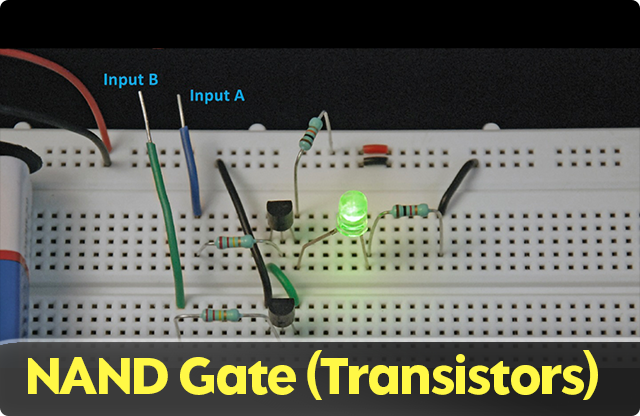
For complete tutorial, here is the link: NAND gate using transistors
Use ↑ ↓ or ← → keys to navigate the slides.
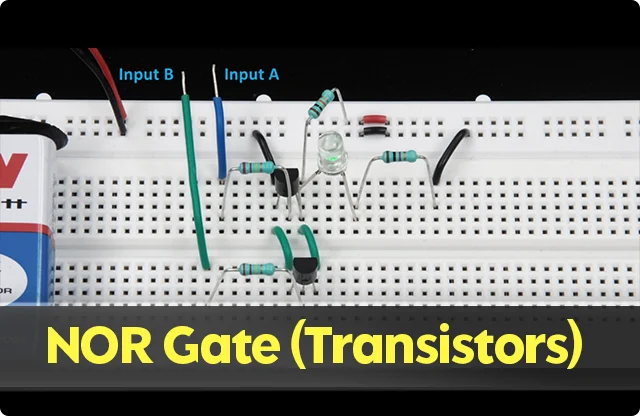
For complete tutorial, here is the link: NOR gate using transistors
Use ↑ ↓ or ← → keys to navigate the slides.
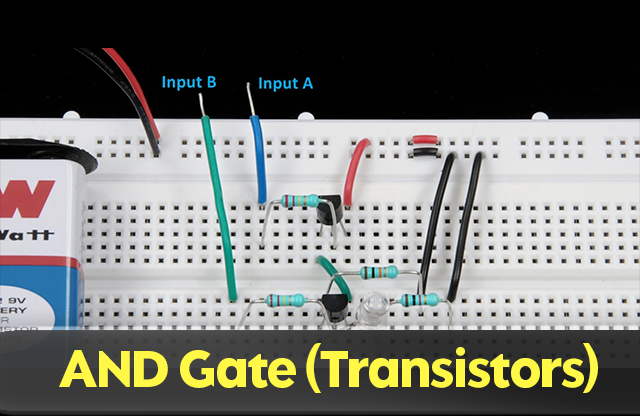
For complete tutorial, here is the link: AND Gate Using Transistors
Use ↑ ↓ or ← → keys to navigate the slides.
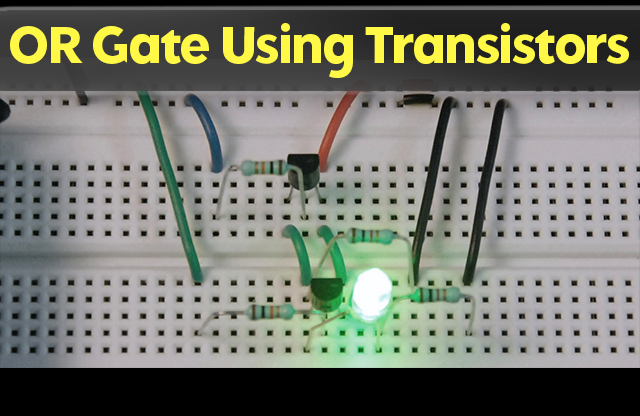
For complete tutorial, here is the link: OR gate using transistors
Use ↑ ↓ or ← → keys to navigate the slides.
For complete tutorial, here is the link: Transistor as an inverter (NOT gate)
Use ↑ ↓ or ← → keys to navigate the slides.
For complete tutorial, here is the link: Transistor as blinker (LED flasher)
Use ↑ ↓ or ← → keys to navigate the slides.
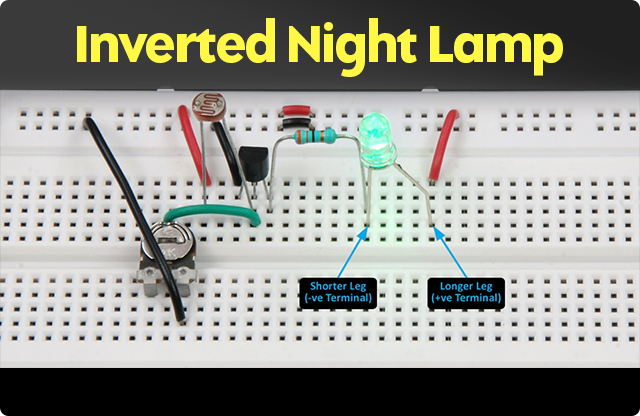
For complete tutorial, here is the link: Automatic night lamp inverted
Use ↑ ↓ or ← → keys to navigate the slides.
For complete tutorial, here is the link: Automatic night lamp
Use ↑ ↓ or ← → keys to navigate the slides.
For complete tutorial, here is the link: Darlington pair
Use ↑ ↓ or ← → keys to navigate the slides.
For complete tutorial, here is the link: Touch-activated switch
Use ↑ ↓ or ← → keys to navigate the slides.
For complete tutorial, here is the link: Transistor as an amplifier and switch
Use ↑ ↓ or ← → keys to navigate the slides.
For complete tutorial, here is the link: B-E junction as diode
Use ↑ ↓ or ← → keys to navigate the slides.
For complete tutorial, here is the link: Measuring the gain of a transistor
Use ↑ ↓ or ← → keys to navigate the slides.
For complete tutorial, here is the link: Controlling speed of DC motor – II
Use ↑ ↓ or ← → keys to navigate the slides.
For complete tutorial, here is the link: DC motor as generator
Use ↑ ↓ or ← → keys to navigate the slides.
For complete tutorial, here is the link: Zener diode as a voltage regulator
Use ↑ ↓ or ← → keys to navigate the slides.
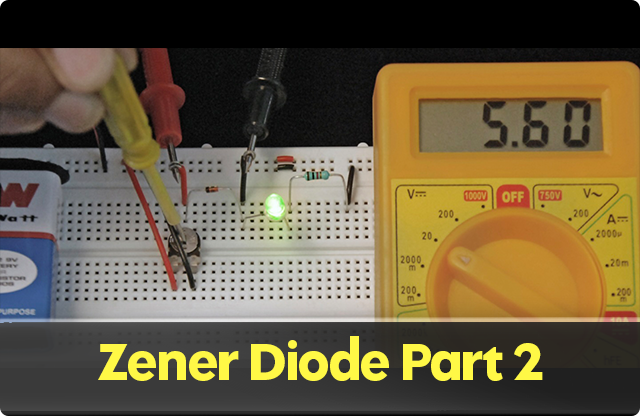
For complete tutorial, here is the link: Zener Diode Part 2
For complete tutorial, here is the link: Zener Diode Part 1
Use ↑ ↓ or ← → keys to navigate the slides.
For complete tutorial, here is the link: NAND gate using diodes
Use ↑ ↓ or ← → keys to navigate the slides.
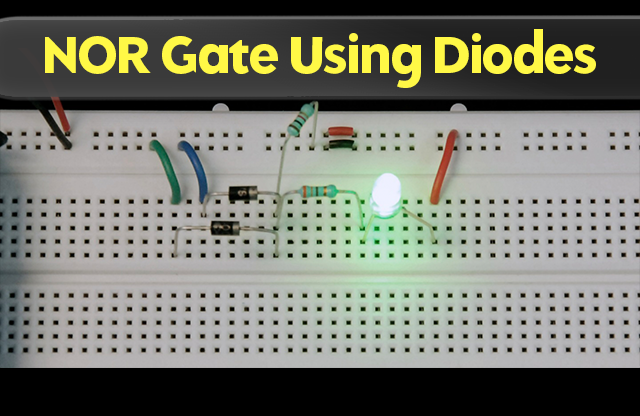
For complete tutorial, here is the link: NOR gate using diodes
Use ↑ ↓ or ← → keys to navigate the slides.
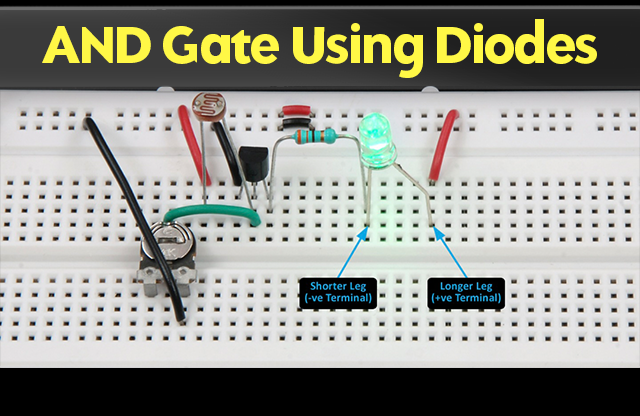
For complete tutorial, here is the link: AND gate using diodes
Use ↑ ↓ or ← → keys to navigate the slides.
For complete tutorial, here is the link: OR gate using diodes
Use ↑ ↓ or ← → keys to navigate the slides.
For complete tutorial, here is the link: Protecting a circuit using a diode
Use ↑ ↓ or ← → keys to navigate the slides.
For complete tutorial, here is the link: Low resistance path using a diode
Use ↑ ↓ or ← → keys to navigate the slides.
For complete tutorial, here is the link: Learn how a diode works
Use ↑ ↓ or ← → keys to navigate the slides.
For complete tutorial, here is the link: Alternate switching of LEDs using a relay
Use ↑ ↓ or ← → keys to navigate the slides.
For complete tutorial, here is the link: Continuity test of relay
Use ↑ ↓ or ← → keys to navigate the slides.
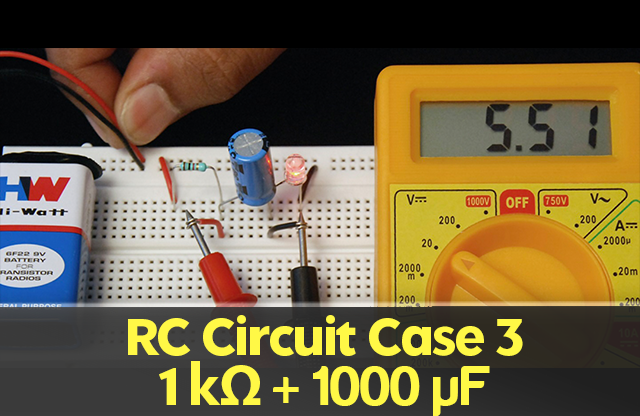
For complete tutorial, here is the link: Charging & discharging the capacitor with a resistor-Case 3
Use ↑ ↓ or ← → keys to navigate the slides.
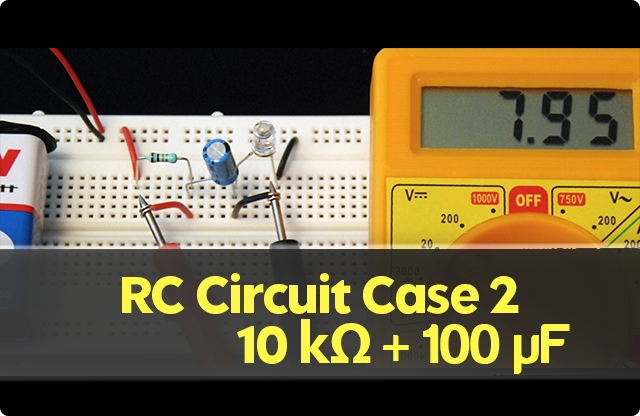
For complete tutorial, here is the link: Charging & discharging the capacitor with a resistor – Case 2
Use ↑ ↓ or ← → keys to navigate the slides.
For complete tutorial, here is the link: Charging and discharging a capacitor
Use ↑ ↓ or ← → keys to navigate the slides.
For complete tutorial, here is the link: Staircase lighting
Use ↑ ↓ or ← → keys to navigate the slides.
For complete tutorial, here is the link: Controlling LEDs using an SPDT switch
Use ↑ ↓ or ← → keys to navigate the slides.
For complete tutorial, here is the link: Continuity test of a two-way switch
Use ↑ ↓ or ← → keys to navigate the slides.
For complete tutorial, here is the link: Parallel combination of LEDs – II
Use ↑ ↓ or ← → keys to navigate the slides.
For complete tutorial, here is the link: Parallel combination: Part 1
Use ↑ ↓ or ← → keys to navigate the slides.
For complete tutorial, here is the link: Series combination-II
Use ↑ ↓ or ← → keys to navigate the slides.
For complete tutorial, here is the link: Glowing an LED using an LDR
Use ↑ ↓ or ← → keys to navigate the slides.
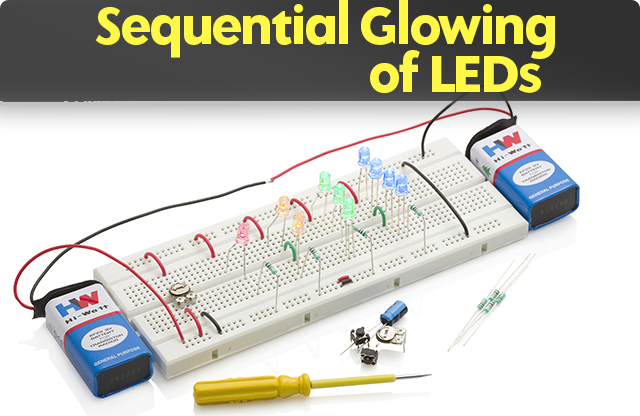
For complete tutorial, here is the link: Sequential Glowing of LEDs
Use ↑ ↓ or ← → keys to navigate the slides.
For complete tutorial, here is the link: Voltage divider using a preset
Use ↑ ↓ or ← → keys to navigate the slides.
For complete tutorial, here is the link: Alternate glowing of LEDs using a preset
Use ↑ ↓ or ← → keys to navigate the slides.
For complete tutorial, here is the link: Varying intensity of light using a preset
Use ↑ ↓ or ← → keys to navigate the slides.
For complete tutorial, here is the link: Glowing an LED using a potentiometer
Use ↑ ↓ or ← → keys to navigate the slides.
For complete tutorial, here is the link: Measuring current in a circuit using a multimeter
Use ↑ ↓ or ← → keys to navigate the slides.
For complete tutorial, here is the link: Continuity test of an LED
Use ↑ ↓ or ← → keys to navigate the slides.
For complete tutorial, here is the link: Measure battery voltage using a multimeter
Use ↑ ↓ or ← → keys to navigate the slides.
For complete tutorial, here is the link: Lemon battery